
From the first note to Friday night, one screen at a time.
Everything in Realmkit, in the order a DM meets it: the campaign, its pages, the session plan, the game at the table, and the way out whenever you want it.
Session 11 is on Friday. Who is bloodied, what did the party leave open two sessions ago, and where did they stop? The answers sit in three tabs and a chat log.
Campaign home answers before you ask. The party with hit points, AC and conditions as the last fight left them, the threads your sessions left open with the session each came from, and the latest sessions with who was there. The sidebar on the left keeps every page of the world one click away.


- The world, one click away: Every page of the campaign in the sidebar, in the folders you keep.
- The party as the last fight left them: Hit points, AC, conditions, and the rests.
- Open threads: Pulled from your session notes, with the session each came from.
- Sessions: In order, with who was there and what happened.
The captain’s page says one thing, your session notes another, and his stat block lives in a PDF from two campaigns ago.
One page per thing, with the key facts on top. Characters, places, quests, organisations and homebrew creatures: the numbers you need at the table first, the story below, connections as cards, and a stat block you edit in place.
- Key facts on top: The numbers you need at the table first, the story below.
- A stat block you edit in place: Every number, trait and action, with the modifiers worked out for you.
- Where it is used: The encounters and sessions this creature appears in.
Which spell was it, and who in the party can fly? One website for the rulebook, another for the notes, and the answer in neither.
One box for the campaign and the rules. Any language, typos in names forgiven. Campaign results come first, the details open on the right side, and ⌘K opens it from anywhere.
- One box for the campaign and the rules: Any language, typos in names forgiven.
- Campaign results first: Three characters who can fly, then the spell and the rules.
- The details on the right side: The spell opens beside the results; ↵ opens it in a tab.
The plan for Friday lives in a document. By the end of the night it disagrees with the campaign in three places, and nothing in your world knows it changed.
Write the plan in scenes; Review keeps the campaign in step. You just write, review shows who is new, what changes and what may contradict an earlier session, and you keep or drop each. A fight or an audio added, and the readiness line says what is left before Friday.
- The scene card: Who is here, the beats and the changes, collected as you write.
- Review’s findings: One card per line of your text, with Keep and Drop and a suggested answer.
- What is left before Friday: The readiness line counts open questions and the fight without a map.
- Under the scene: A fight or a track added from the scene card waits here for the table.
Notes in Obsidian, the battle map in another tab, music in a third app, the players in Discord, and a second monitor to fit it all.
Play mode puts the table on one screen. The scenes on the timeline at the top, the current scene’s text in the centre, and everything you reach for on the right: who is here with their full stat blocks and your DM notes, places with their images, the fight and the music.
- The scene line: Where you are, and the possible next scenes, conditional ones included.
- At hand: Who is here with their full stat blocks and your DM notes, places with their images, the fight and the music.
- The plan, editable in play: A note on any line; what you type during the game reads as a note afterwards.
- The table: Who is here, with hit points shared with the battle map.
A fight starts and the table moves to another app. When it ends, nobody writes down who is bloodied.
Battles in the browser, in a convenient VTT. Players join with one link and no account. Initiative, hit points, conditions and fog on the map. When the fight ends, hit points and conditions go back to the character pages.
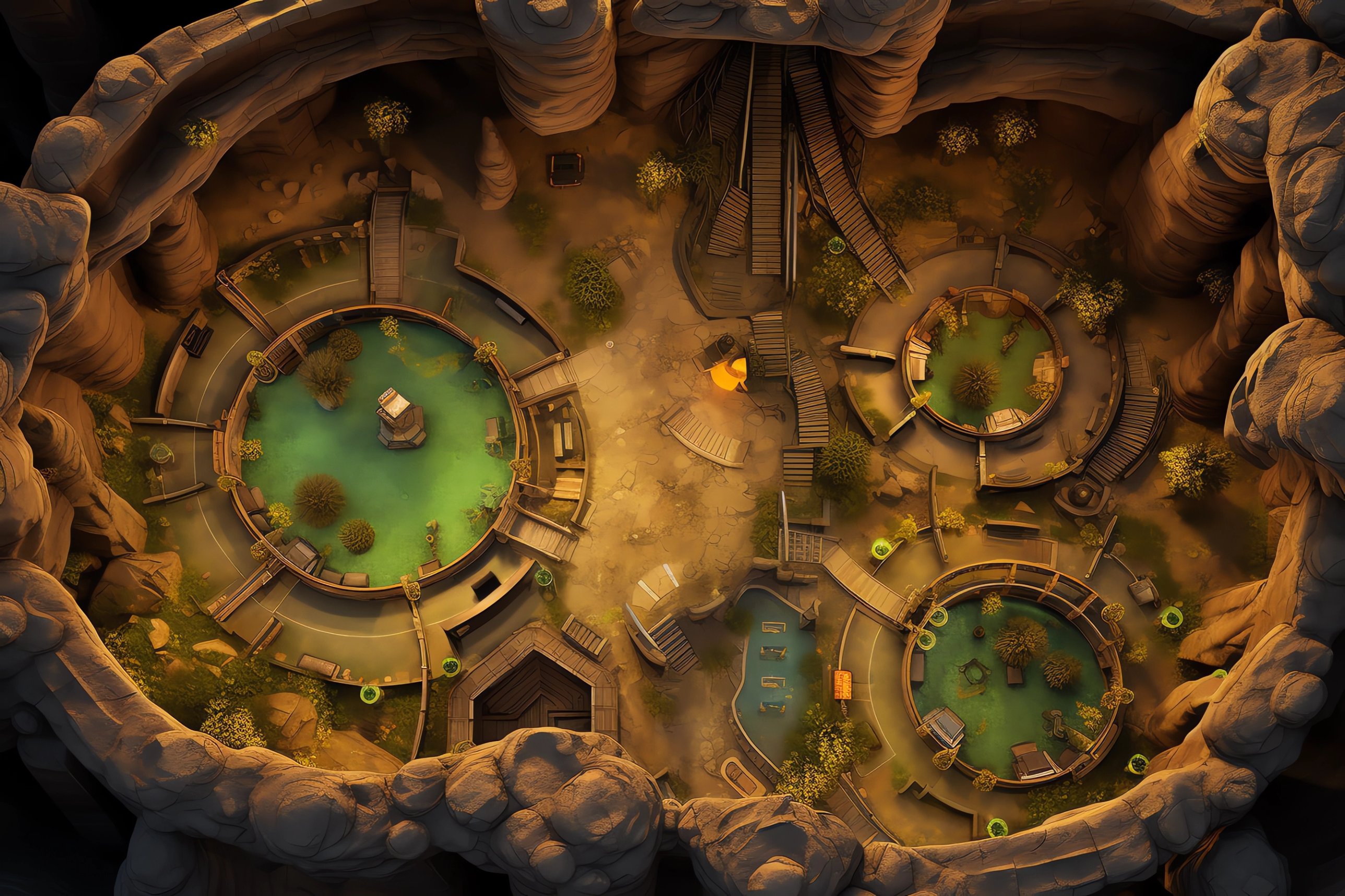
- One link for the players: They open it in a browser and claim their token. No accounts.
- Initiative, hit points, conditions: Roll, take damage, heal and set conditions from the list; the current turn is marked.
- Fog, pins, measure, templates: Paint fog, drop pins, measure in feet and draw spell areas on your own map.
- End battle: Hit points and conditions go back to the character pages.
Session 4 was in March. What did the party learn there, what did the world do while they were away, and which of it is still open?
Every session on one line, with what happened in it. Beats that happened, were skipped or are still planned; a Between games lane for what the world did while the party was away; and the same timeline on a character or place page, session by session.
- Between games: What the world did while the party was away, by date.
- Sessions in order: Each with its beats: happened, skipped, or still planned.
- The same line on every page: Open a character or a place and its Timeline tab shows what happened to it.
Years of notes in a tool you cannot leave: the export is a line on a roadmap, or a PDF with the links gone.
One download gives you the whole campaign as files. Every page as Markdown a human can read, your images, the timeline, and a copy Realmkit reads back without loss. Open the folder in Obsidian as a vault, print any page, or restore the archive into a new campaign.
- One download: The whole campaign as a zip, whenever you like.
- Files you can open anywhere: Markdown pages in folders, your images, and a copy Realmkit reads back into a new campaign.
- Maps with pins and travel calculatorYour maps, with pins on the places that matter.
- Characters from D&D Beyond in one clickBring a character in by its link.
- Tags and custom foldersSort your world your way, with drag and drop.